Technical advice: 021 450 60 70 · Delivery across Romania

Bariere Store
021 450 60 70 Contact

Installation and service for automation details

Product categories

Customer reviews: Write a review | Ask a question

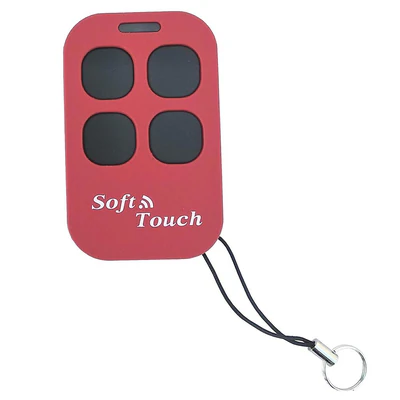
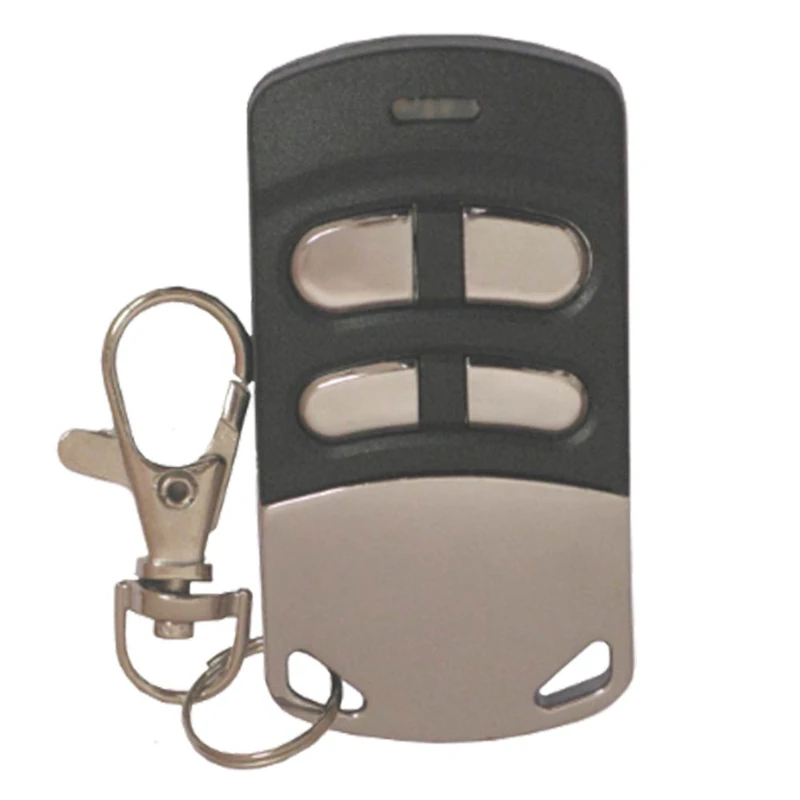
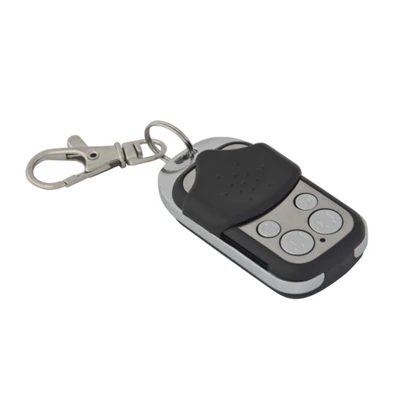
Remote control radio clone duplicates, Creasol, Multi, 433-868 MHz, 4 channels

Product code: MULTI

Remote control radio clone duplicates, Creasol, Multi, 433-868 MHz, 4 channels

Remote control radio clone duplicators – short

On the barriers Store you find the remote control radio clones duplicates in the category remote radio controls, brand Creasol. Choose the right option after dimensions and compatibility; complete technical details are in the Description and Specifications sections.

Do you have any questions about the remote control of the duplicate clone radio? The Bariere Store helps you choose the right option and prepares a quick offer, phone or via the "Buy Now" button.
Buy Now

Leave us your name and phone number and a colleague will call you to confirm the order.

Frequently bought together

Description

Remote control radio clone duplicates, Creasol, Multi, 433-868 MHz, 4 channels

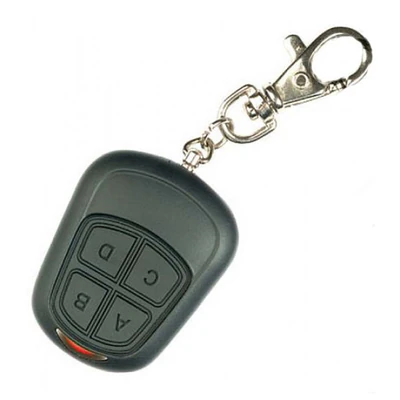
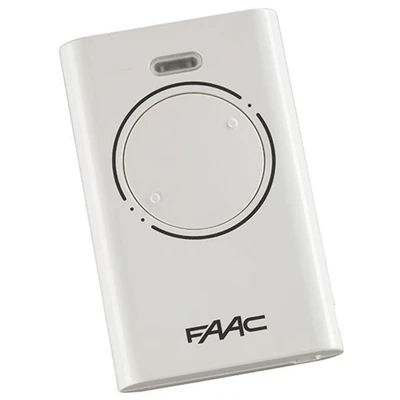
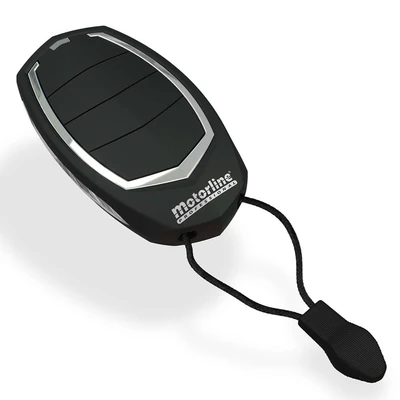
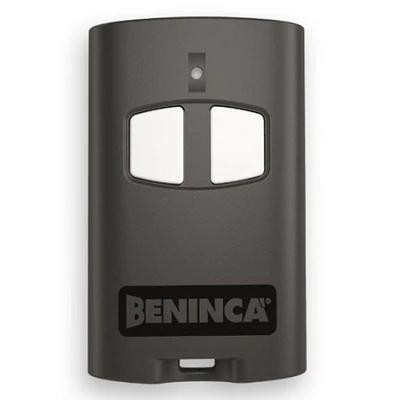
  • This two-colored remote control can copy the code from the vast majority of remote controls for garage doors, barriers, automatic gates, which operate between the 286 and 868 MHz frequencies.
  • Each button is independent, being able to memorize 4 different remote controls.
  • The battery is fully charged and is inside the remote control.
  • Duplication is very easy, and not DO NOT require any external equipment (frequency counter, programming machine, sniffer)

Schedule:

  1. Simultaneously press buttons 1 and 2, until the led becomes green;
  2. Release the buttons;
  3. Just once press the button you want to duplicate from the original remote control;
  4. Press and hold the button on the original remote control, while the devices are 10 cm away from each other;
  5. When the duplication is completed, the led will blink twice, then it becomes green, and the process resumes from point 3;
  6. After duplication, each button must be pressed at least twice to ensure that the doors or doors work properly.

Initializing a random code on 32 bits

Follow the instructions below to set a new random code on one or more buttons, even at different frequencies:

  1. Press the 3 and 4 buttons together until the LED becomes green.
  2. Release all buttons.
  3. Press the button, if you want to initialize the code, a number of times the desired frequency, as indicated in Table 1.
  • The remote emits 2 flashes, then it is possible to initialize a new random code on another procedure restart button in point 3.
  • This feature is mainly useful for two reasons:
  • Delete a code previously stored from remote control, for example after displaying a client's working mode duplication.
  • Schedule a random code that will be used to program a universal receiver, or any receiver that manages the 12bit code, selecting the desired frequency.

Battery replacement

  • If during use both LEDs blink (red and green), the current supply is at minimum odds.
  • In this case, either the battery is exhausted or the temperature is too low.
  • If you find yourself in the first case, remove the closing system from the 2 screws, remove the cap and replace the used battery with a new one.
  • The warranty applies only if the remote control has a manufacturing defect.
  • No warranty for battery.
  • For warranty, contact the distributor!

Specifications

manufacturerCreasol
Common868 Mhz
channel4 channel

Reviews

0,0☆☆☆☆☆0 reviews
  • 5 stars0
  • 4 stars0
  • 3 stars0
  • 2 stars0
  • 1 star0

Be the first to review this product.

Add your review
Your rating

Your review will appear on the site once our team has checked it.

Questions and answers

Have a question about this product? Write to us below.

Add your question

Similar products

Subscribe to our newsletter and never miss a promotion

Get our offers and news once a month. You can unsubscribe at any time.

Cookie settings

Choose which categories you accept. Strictly necessary cookies are always active; the others start only with your consent and you can change them at any time. Cookie policy

They make the site work: shopping cart, favourites, customer account sign-in, form security and remembering your cookie choice. They cannot be disabled.

What we store (5)
  • erp-consent · This site · Stores your cookie choice. Duration: 365 days.
  • erpShop.cart · This site · Products in your shopping cart. Duration: until the cart is emptied.
  • erpShop.fav · This site · Products you saved to favourites. Duration: until you delete them.
  • __Host-*_sess · This site · Keeps you signed in to your customer account. Duration: session (12 hours) or 30 days with “Remember me”.
  • __Host-*_csrf · This site · Security: protects account forms against forged requests. Duration: session.

Remembers recently viewed products so you can find them easily. The data stays only in your browser.

What we store (1)
  • erpShop.seen · This site · Recently viewed products. Duration: until you delete them.

Shows us which pages are visited and how the site is used, so we can improve it (Google Analytics).

What we store (2)
  • _ga · Google Ireland Ltd. (Google Analytics) (third party) · Distinguishes visitors for visit statistics. Duration: 2 years.
  • _ga_3CZQG9RGE2 · Google Ireland Ltd. (Google Analytics) (third party) · Keeps the state of the visit session. Duration: 2 years.

Video clips played directly on YouTube (Google). When playing, YouTube can store data in the browser.

What we store (1)
  • YSC, VISITOR_INFO1_LIVE, yt-remote-* · Google Ireland Ltd. (YouTube) (third party) · Video playback and YouTube statistics; only after you start a video. Duration: session – 6 months.
Third-party providers (2)

Operator: IMPOR GROUP SRL · contact@impor.ro